Lab Video Recordings
We set up an overhead camera over the field. The setup is the same as during RoboCup Games. There is a Raspberry Pi connected to the NAONET Router. It listens to GameController Messages and starts the recording accordingly.
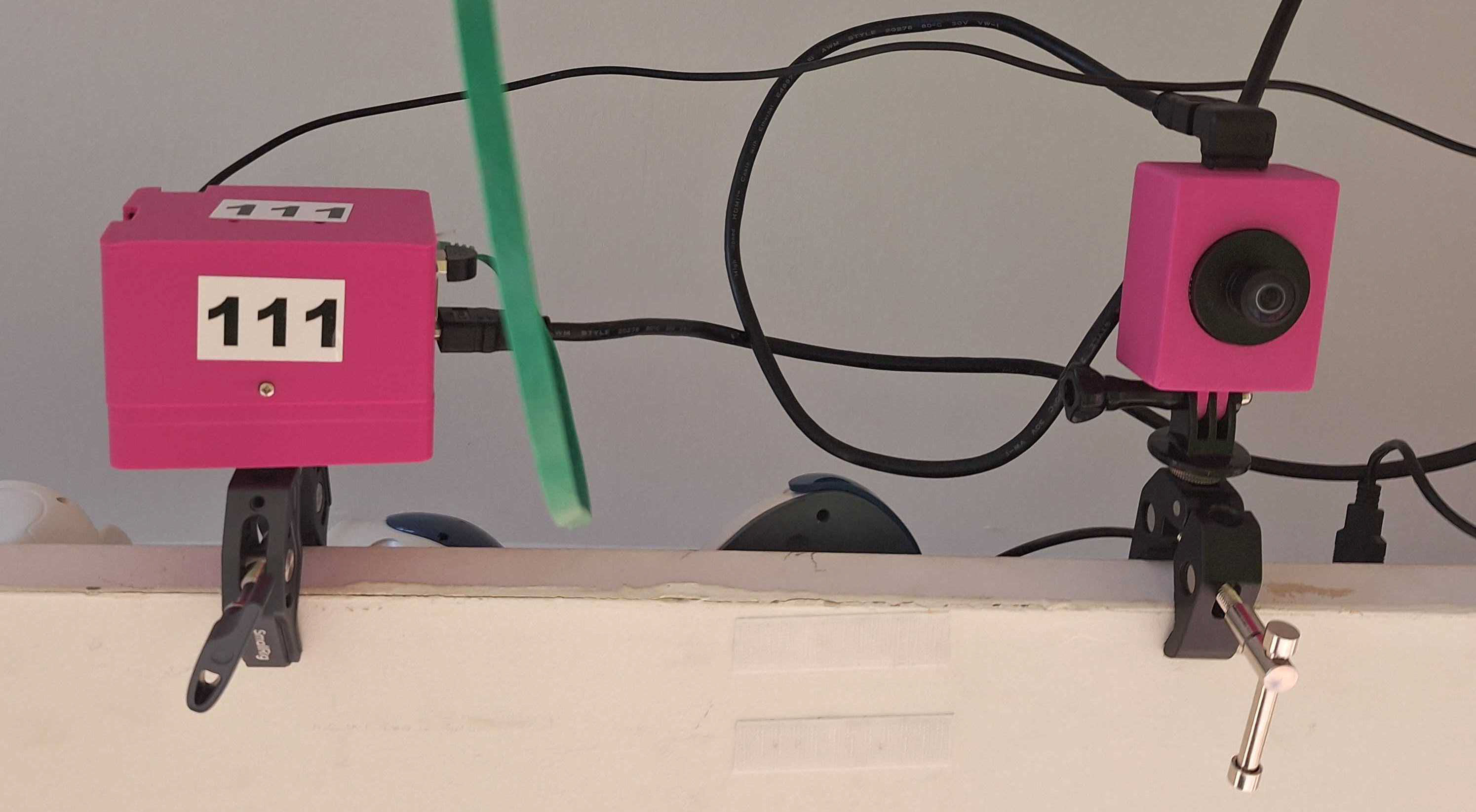
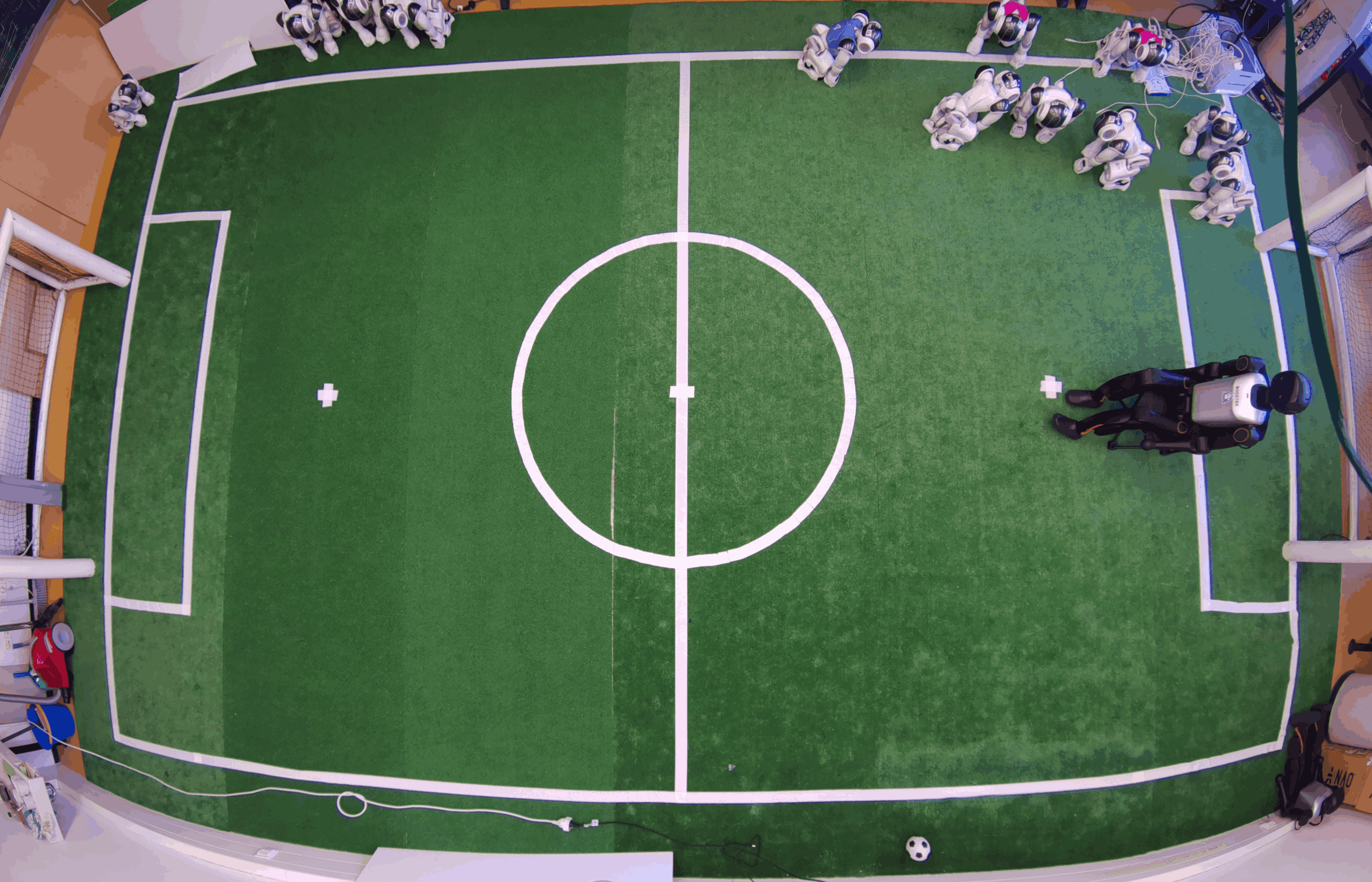
Control the camera manually
If you dont want to trigger the recording via game controller you can ssh into the raspberry pi. (Ip address is printed on the Pi Case) and run sudo gopro stop
Take a picture:
rpicam-jpeg -o test.jpeg
Record a video
rpicam-vid -o test.mp4
When you are done with your experiments please run sudo gopro start to revert to the normal recording mode again.