Annotation Guide
Our images recorded by the robots are annotated with bounding boxes, polygon masks and keypoints. Currently we use bounding boxes for robots and the ball. Polygon masks for lines, own robot contour and goal posts. Keypoints are used for center point of ball, line intersections and the base of goal posts.
Referee Annotations
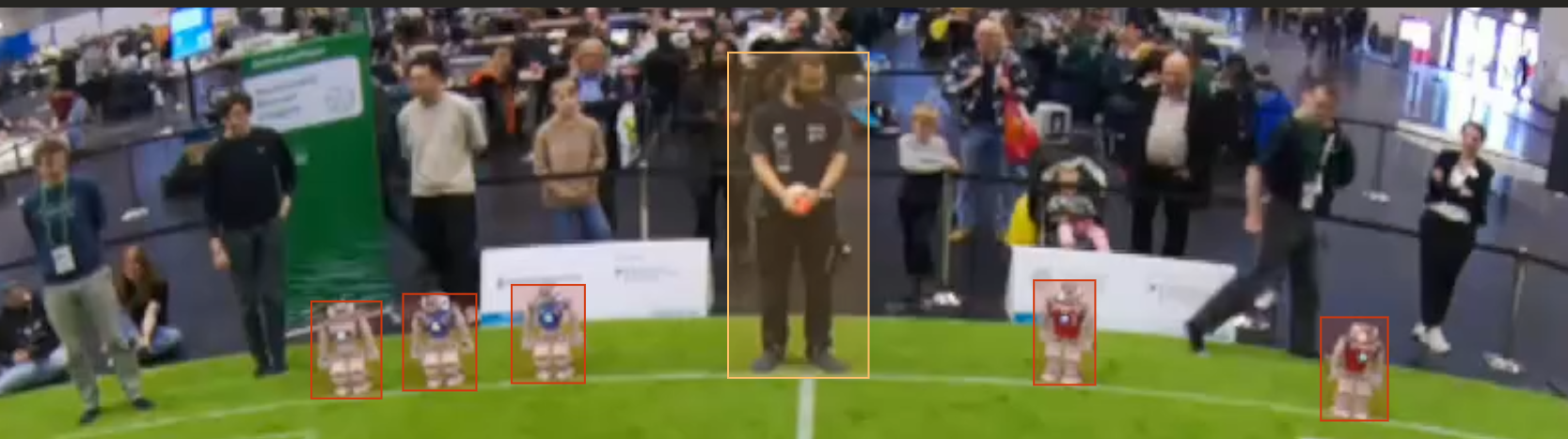
All people standing in/on the field should be annotated as person class or referee if they wear the shirt.
Ball Annotations
Always make sure that the full ball is within the annotation rectangle.
Also include balls that aren't visible (outside of image frame) - we also need partially visible balls, to train the detection pipeline.
Don't mark unvisible balls (e.g. hidden behind a shoe) as ball, just because you as a human-being know that the ball continues there.
Robot Annotations
TODO
Line and Intersection Annotations
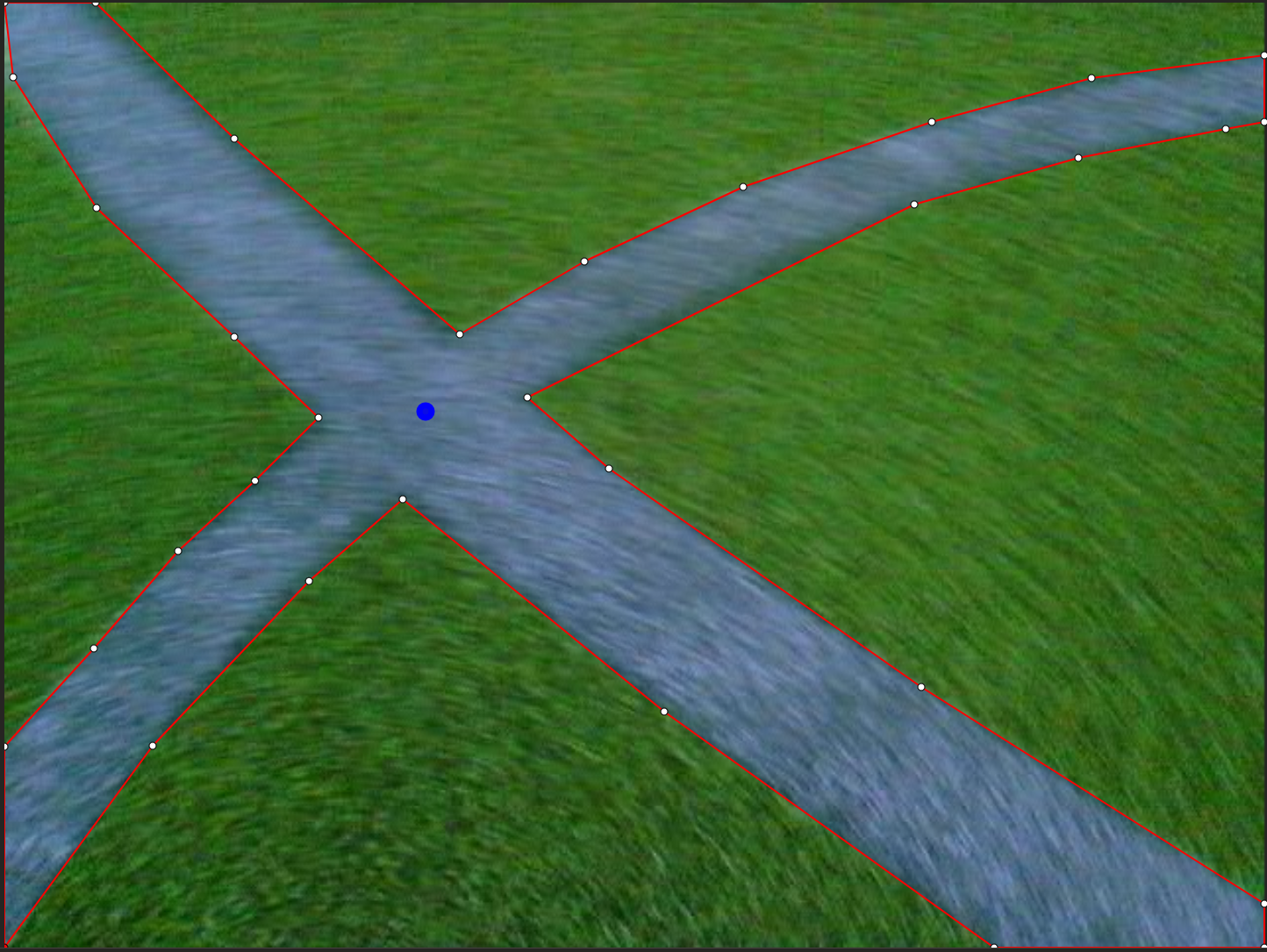
Grass Annotations
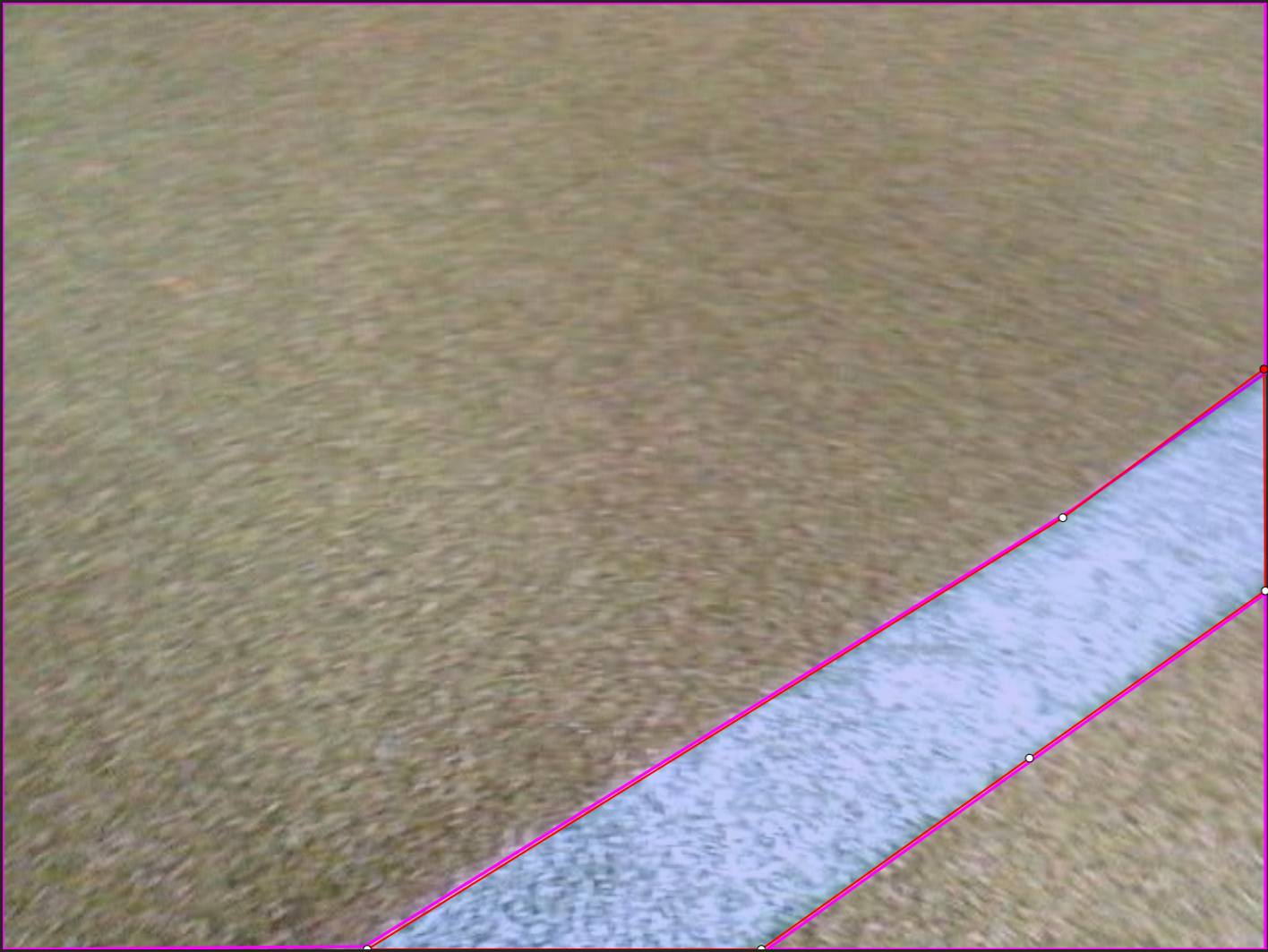
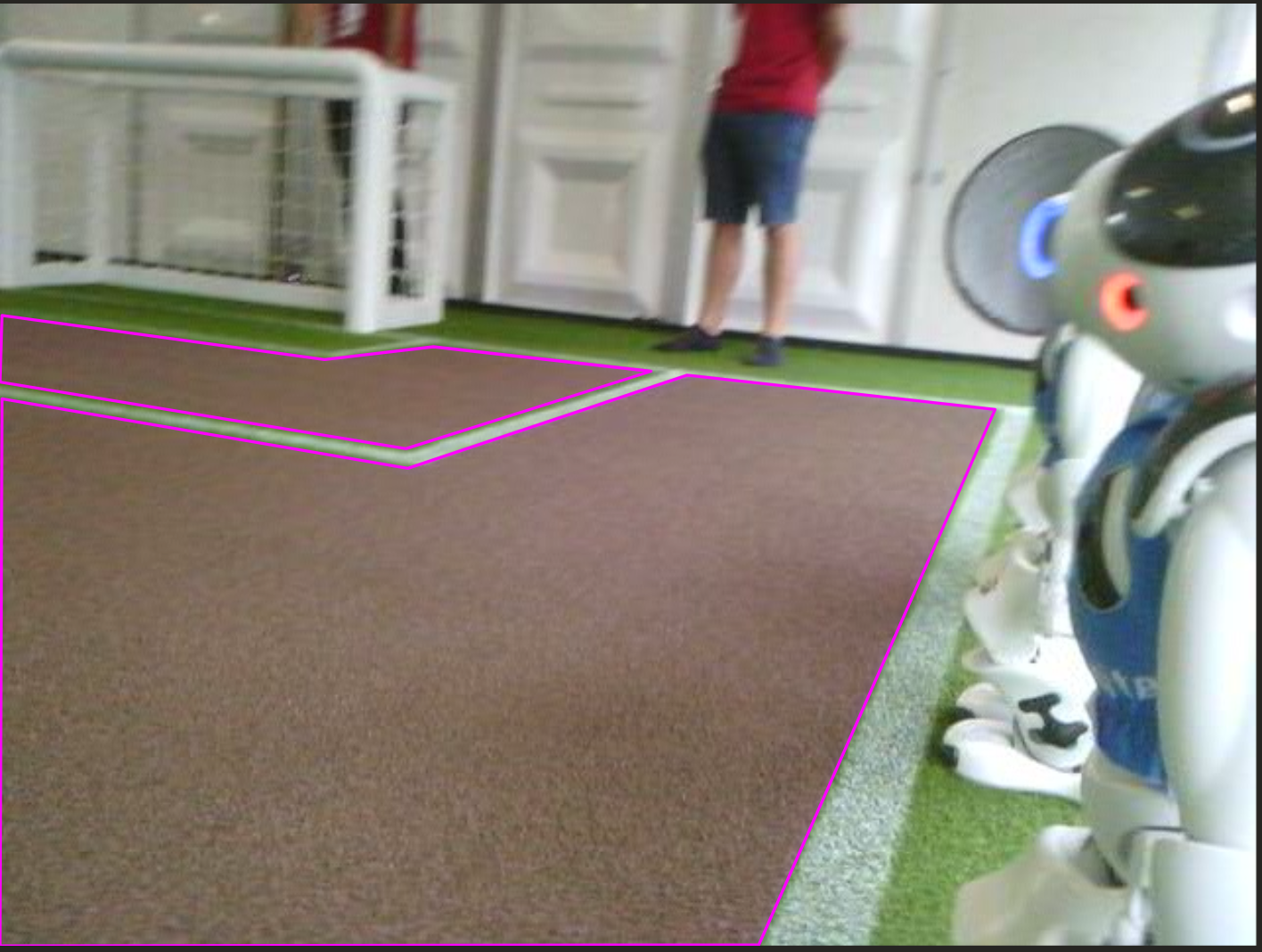
Use Polygon labels to mark the green space in the image as grass. This will later be used for validating our green detector. Don't worry if there is a small overlap with other objects like the lines.
For our purpose it's not necessary to annotate all the green areas. It matters that we have high variety of images with grass annotations. We only want to validate a green detector against the annotations.
Field Border
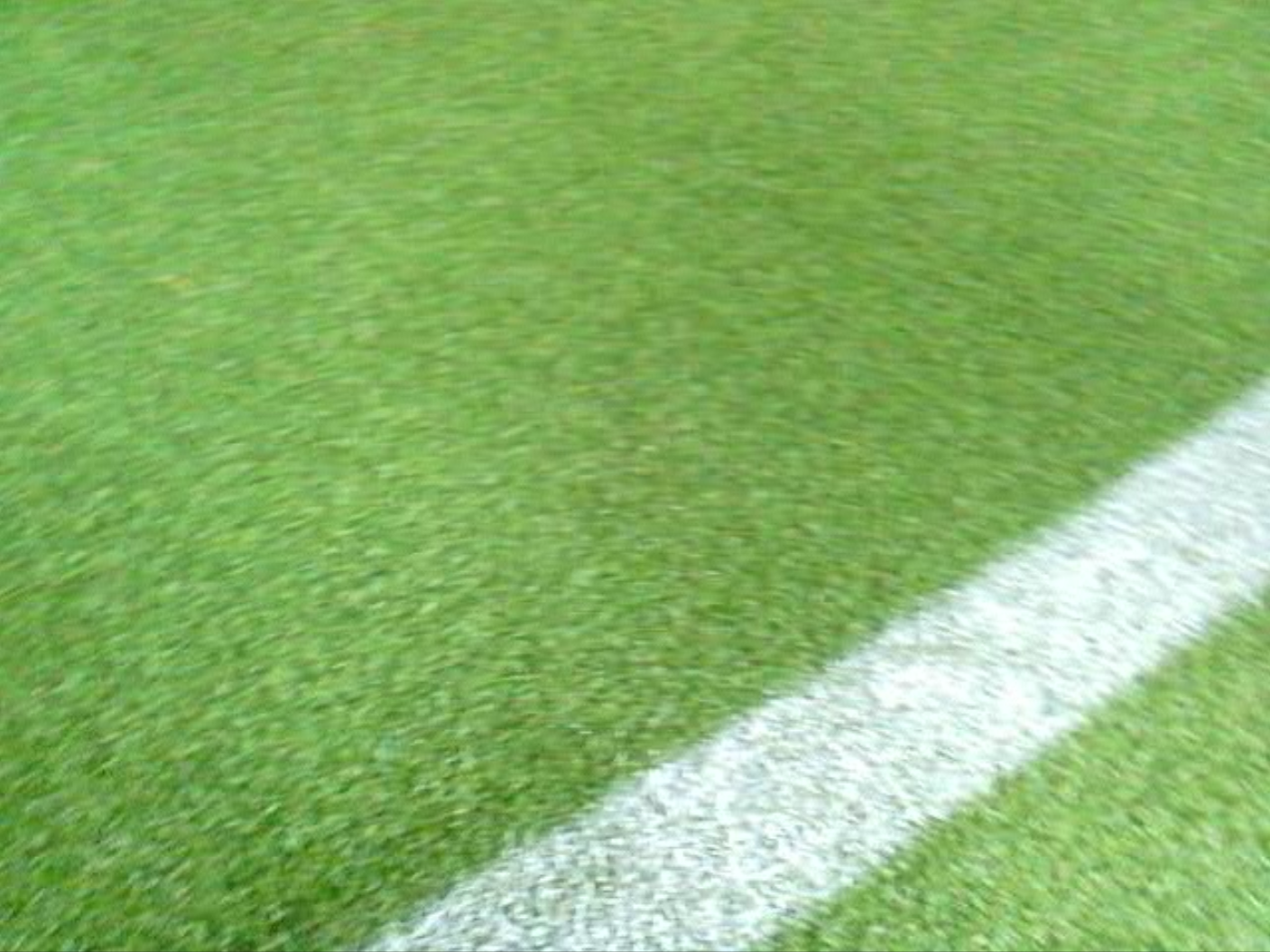
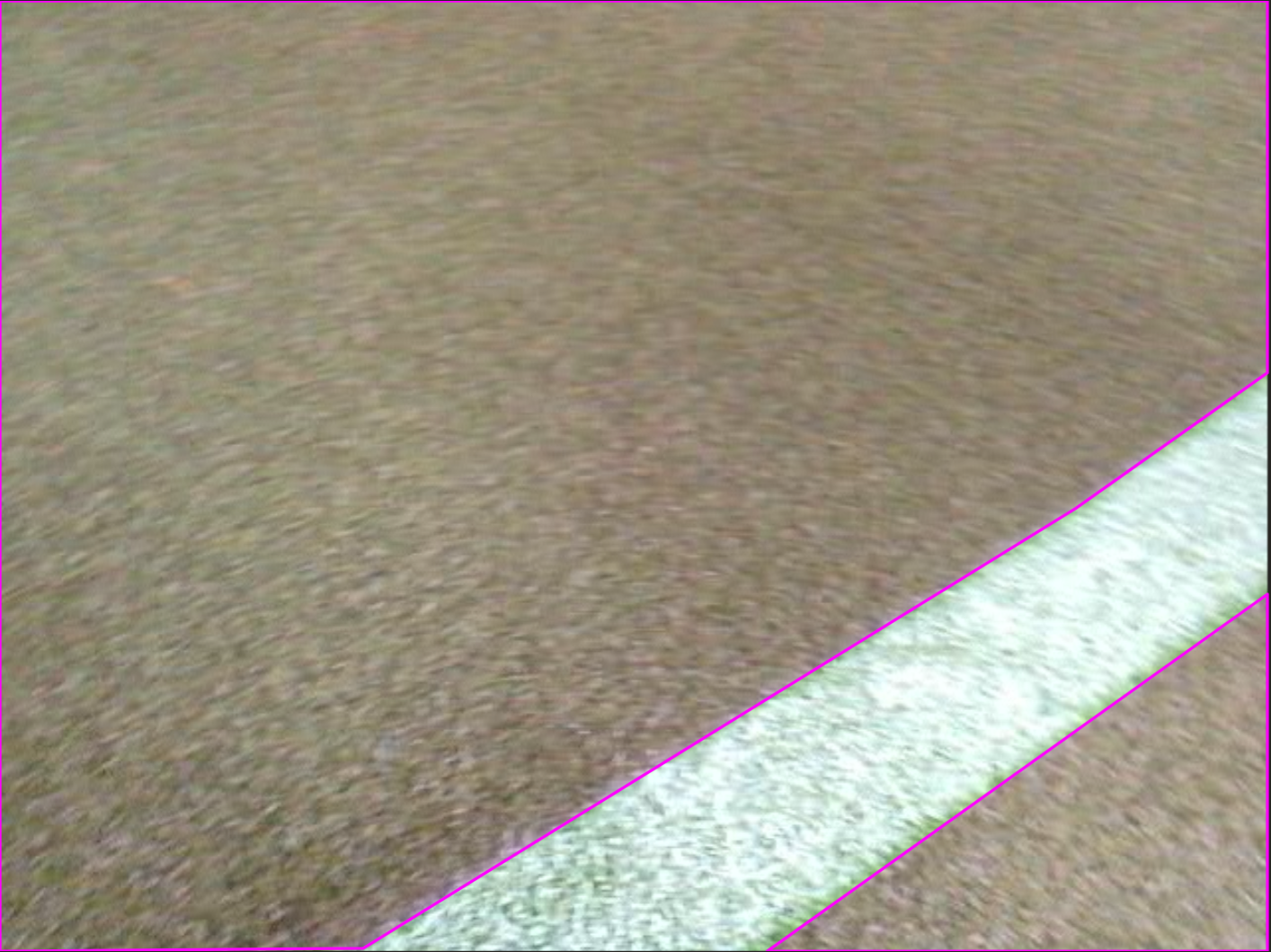
TODO
Goal Post Annotations
TODO
Contour Annotations
TODO